The auxiliary USB port on an Elite ECU is a type A socket, the same shape as the port on a laptop. Haltech has reserved it for future expansion, so it doesn't currently do anything you need for tuning, logging or flashing. You don't need to plug anything into it.
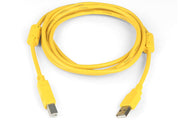
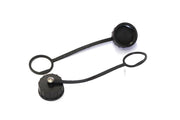
To connect ESP to the ECU, use the communications USB port with a Haltech USB connection cable. If the ECU lives somewhere wet, the waterproof USB cap keeps the comms port sealed when you're not connected.
Can't connect?
Check that you're in the comms port and not the auxiliary one. It's an easy mistake in a tight footwell.
Other ports and LEDs: auxiliary CAN port and status LED.